


The Home Office
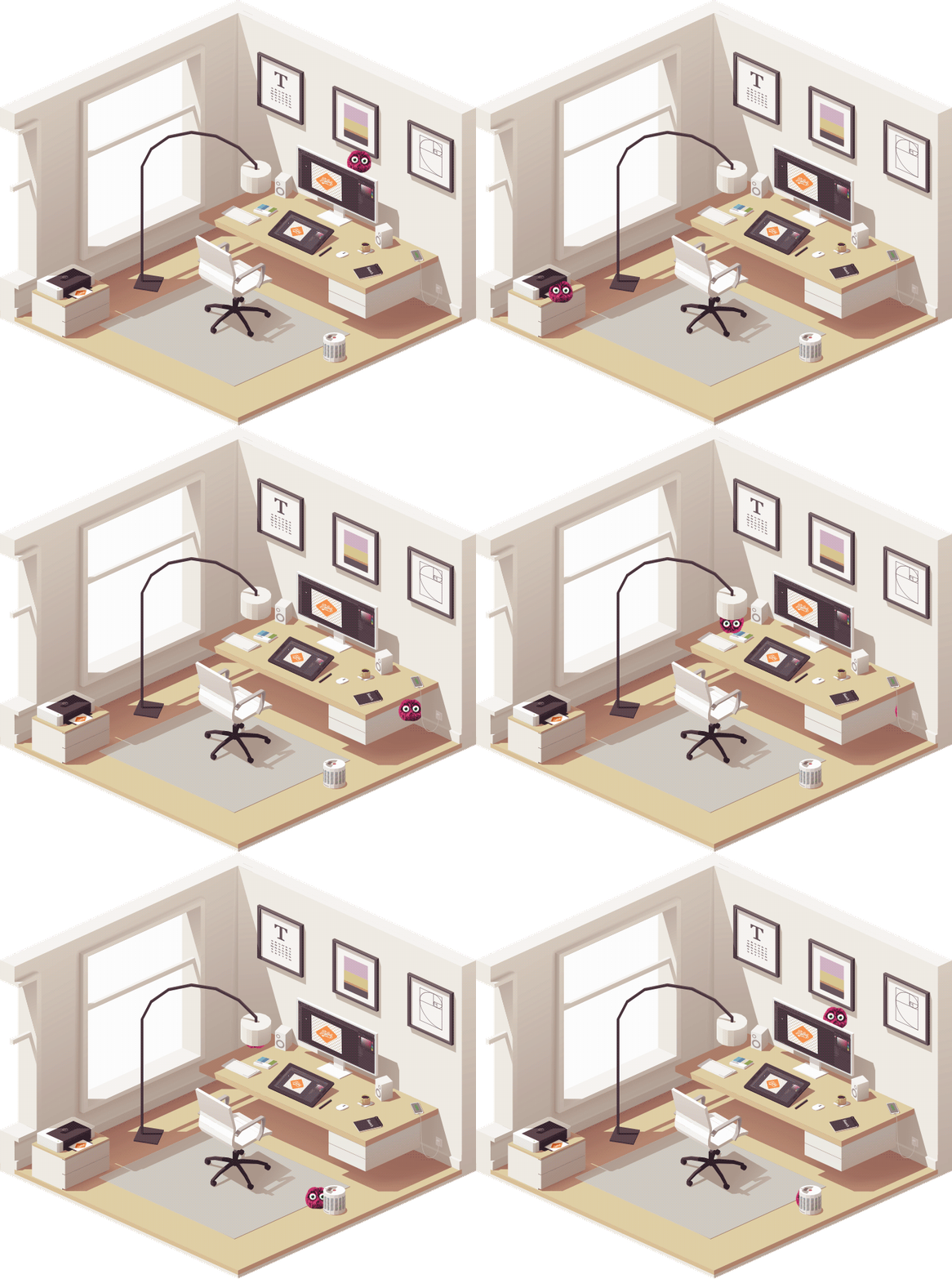
Energy thieves could be hiding in your home office! Spot the bandits below, and learn how you can foil their devious plans.
Computer
Put your computer in low-power "sleep mode" when it's not being used. Other energy-saving settings can dim screen brightness or turn the display off after a certain period of time.
Printer
In standby mode, printers continue to draw power — about 3-5 watts. Manually switch off your printer's power after you're done using it, or plug it into a smart power strip.
Lightbulbs
Make a habit of turning off lights when you leave a room and invest in LEDs. LEDs use 75% less energy than incandescent bulbs, and they last 25 times longer, too.
Charger
Chargers continue to draw power even when they aren't connected to a device. Unplug them when they're not in use or use a smart power strip, which saves energy by switching off power automatically.
Space heater
Using a space heater to heat an empty room or in conjunction with another heat source wastes energy. Plus, they're a safety hazard associated with more than 25,000 fires each year
-
Printer
In standby mode, printers continue to draw power—about 3-5 watts. Manually switch off your printer's power after you're done using it, or plug it into a smart power strip.
-
Computer
Put your computer in low-power "sleep mode" when it's not being used. Other energy-saving settings can dim screen brightness or turn the display off after a certain period of time.
-
Space heater
Using a space heater to heat an empty room or in conjunction with another heat source wastes energy. Plus, they're a safety hazard associated with more than 25,000 fires annually.
-
Lightbulbs
Make a habit of turning off lights when you leave a room and invest in LEDs. LEDs use 75% less energy than incandescent bulbs, and they last 25 times longer, too.
-
Charger
Chargers continue to draw power even when they aren't connected to a device. Unplug them when they're not in use or use a smart power strip to save energy automatically.